Favorites
Favorites are the POIs you actually plan to stop at, your shortlist for the trip. Starring them keeps that shortlist separate from the full set of results and unlocks the routebook and favorites-only export.
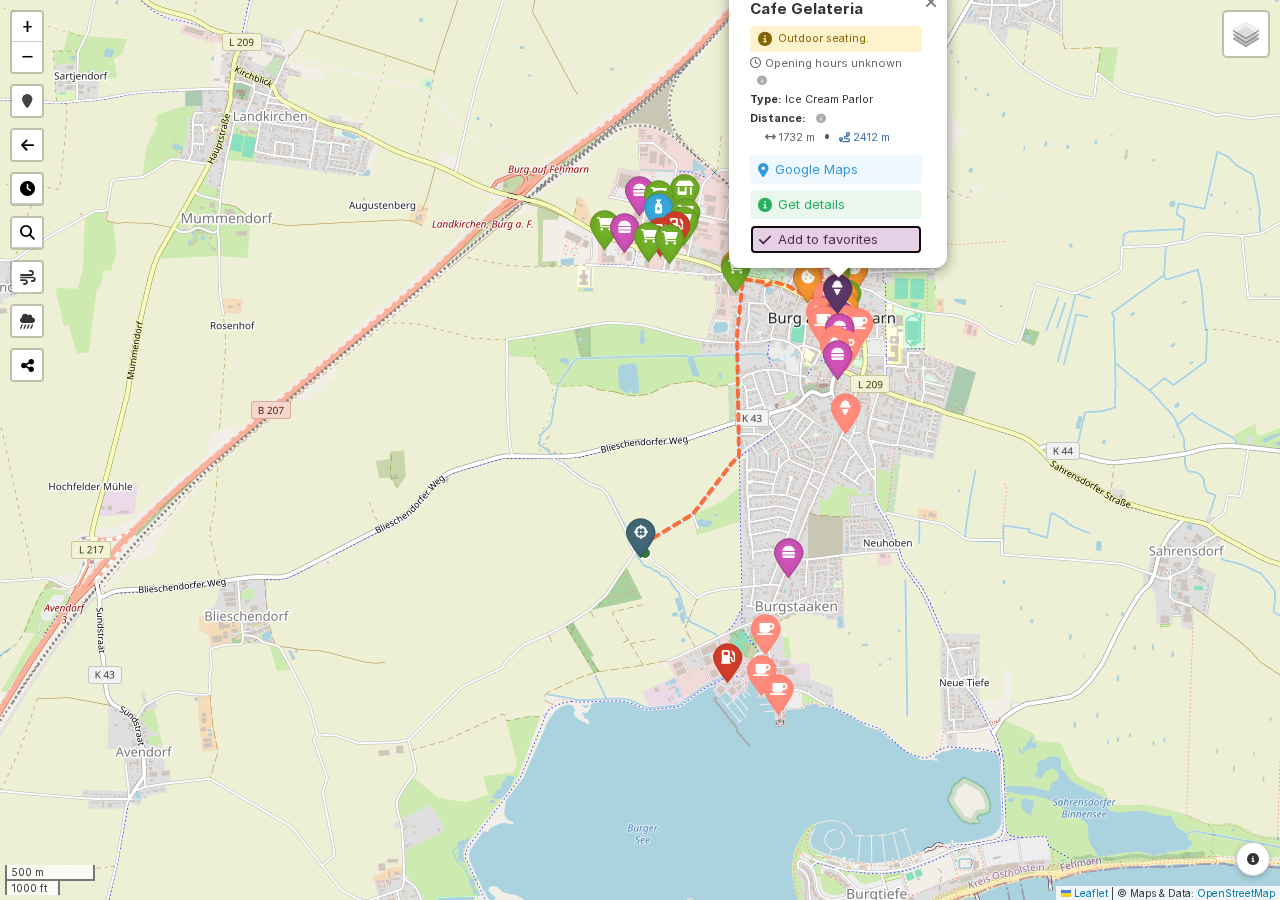
Click the star button in a POI popup or a search result to add one. Favorited POIs get their own marker, using the POI's own category icon where OnRouteMap knows it, so a favorited fuel station still looks like a fuel station rather than turning into a generic star, and their own popup with a trash-can button to remove them again. The favorites layer refreshes every few seconds on its own, so if you add or remove one on another tab or device, this view catches up without a manual reload.
Note
Favorites are tied to a specific map, not to your account or browser, so sharing the map link (see My Maps) shares your favorites too. Each map can hold up to 500 of them.