Sharing a map
The share button, top-left on the map, hands the current map to someone else without leaving the page: a QR code to scan with a phone, the link itself to copy, and, on devices that support it, a button that opens your device's native share sheet directly.
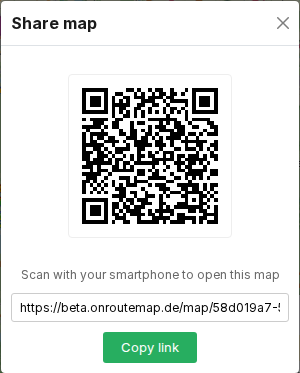
Anyone who opens the link or scans the code lands on the exact same map, POIs and favorites included, so the whole group can plan from one shared view with nothing to set up beforehand.
Tip
On the Android app or the web app, scan the code with the + import button on the app's main screen instead of your camera app; it adds the map straight into the app rather than just opening it in a browser.