Searching & filtering POIs
Categories
By default, every map searches for shops (supermarkets, convenience stores, bakeries, ice cream shops, kiosks, beverage stores), amenities (drinking water, fuel, fast food, cafes, toilets, vending machines), cemeteries, and springs.
A few more are available but off by default, since not every trip needs them. The Additional categories accordion on the form (see Getting started) shows six checkboxes: Mountain Huts, Bicycle Service, Camping Sites, Hotels / Guesthouses, Restaurants, and Shelters, each bundling a few related OSM types. Mountain Huts, for instance, covers both staffed alpine huts and unstaffed wilderness huts, and Restaurants brings in food-serving pubs and beer gardens too, not just sit-down places. Turn them on before creating a map, for instance when planning a multi-day trip that needs lodging or repair stops along the way.
OnRouteMap also runs a smart duplicate-detection pass over the results, so a place that happens to be mapped as several overlapping OpenStreetMap entries still only shows up once.
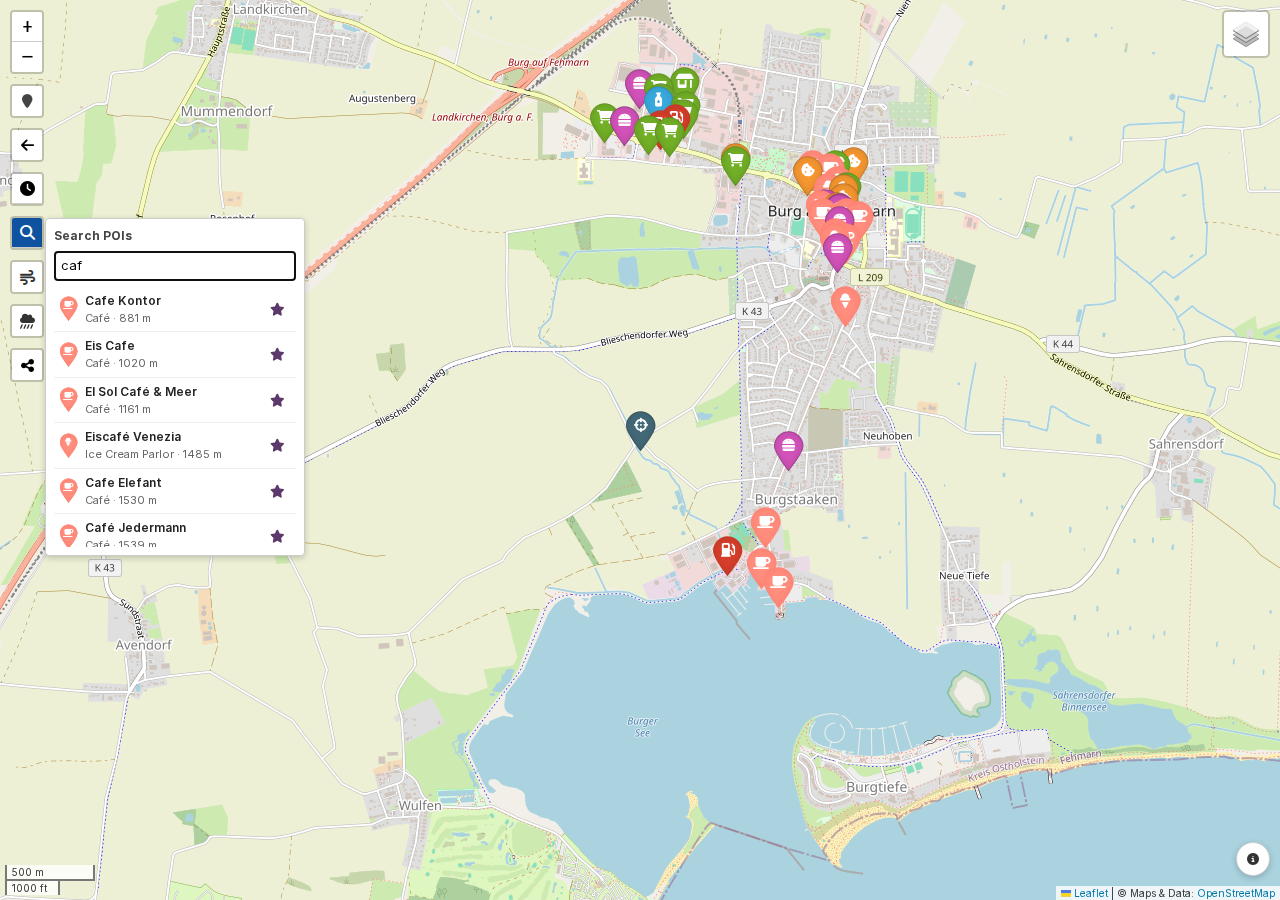
Search bar
Once a map exists, the search control on it lets you narrow down what's shown and jump straight to a POI. Type a name or POI type to filter the markers; on route maps, you can also drag the from/to slider to restrict results to one section of the route, by kilometer. Each result in the list shows its icon and distance (or route-km), plus a star button to add it straight to favorites; click anywhere else on the result and the map centers on that POI with its popup open. Results are capped at 30 at a time, with a note telling you if more matched your search.
Legend
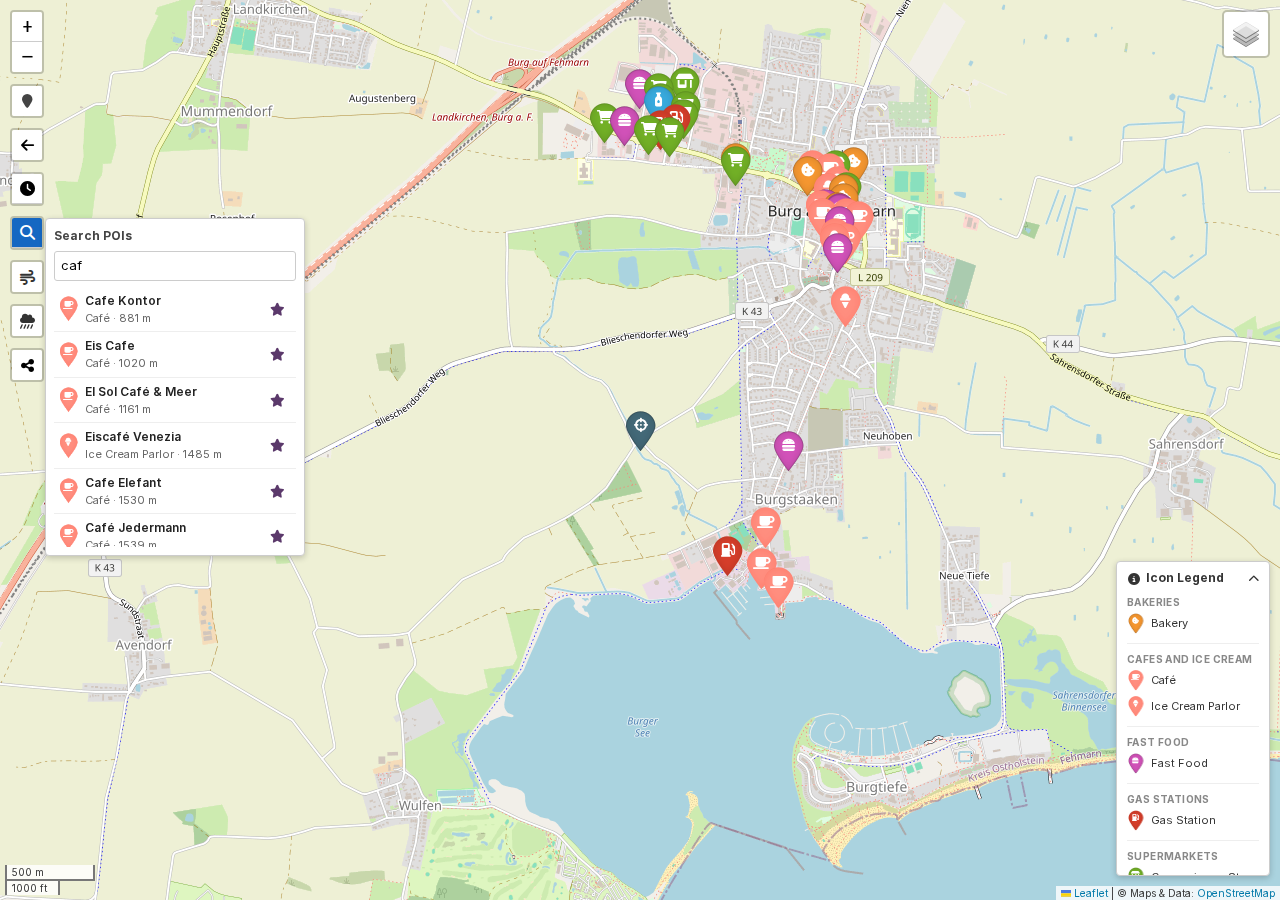
Down in the bottom-right corner, a collapsible legend lists every icon and color actually present on the current map, grouped by category. Click its header to expand it whenever you need to look up what a marker means.
Filtering by opening hours
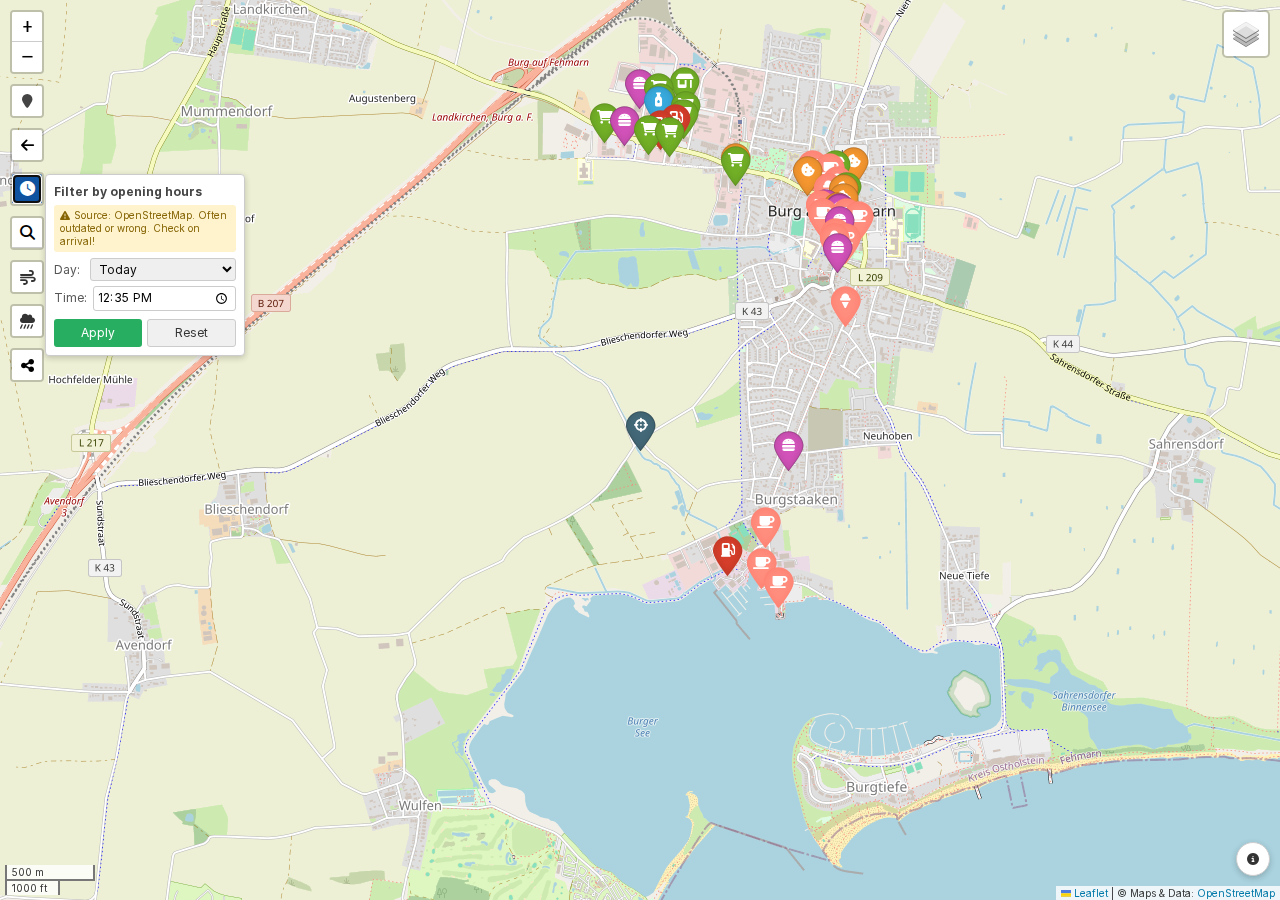
The opening-hours filter, a button in the top-left, lets you hide POIs that are closed at a given time. Open the panel, pick a weekday and time, and click Apply; closed POIs disappear from the map, and a count tells you how many were hidden or have unknown hours. Reset brings everything back.
Note
Opening-hours data comes from OpenStreetMap and can be outdated or missing. When in doubt, the POI popup links straight to the entry on OpenStreetMap so you can check it, or fix it yourself.